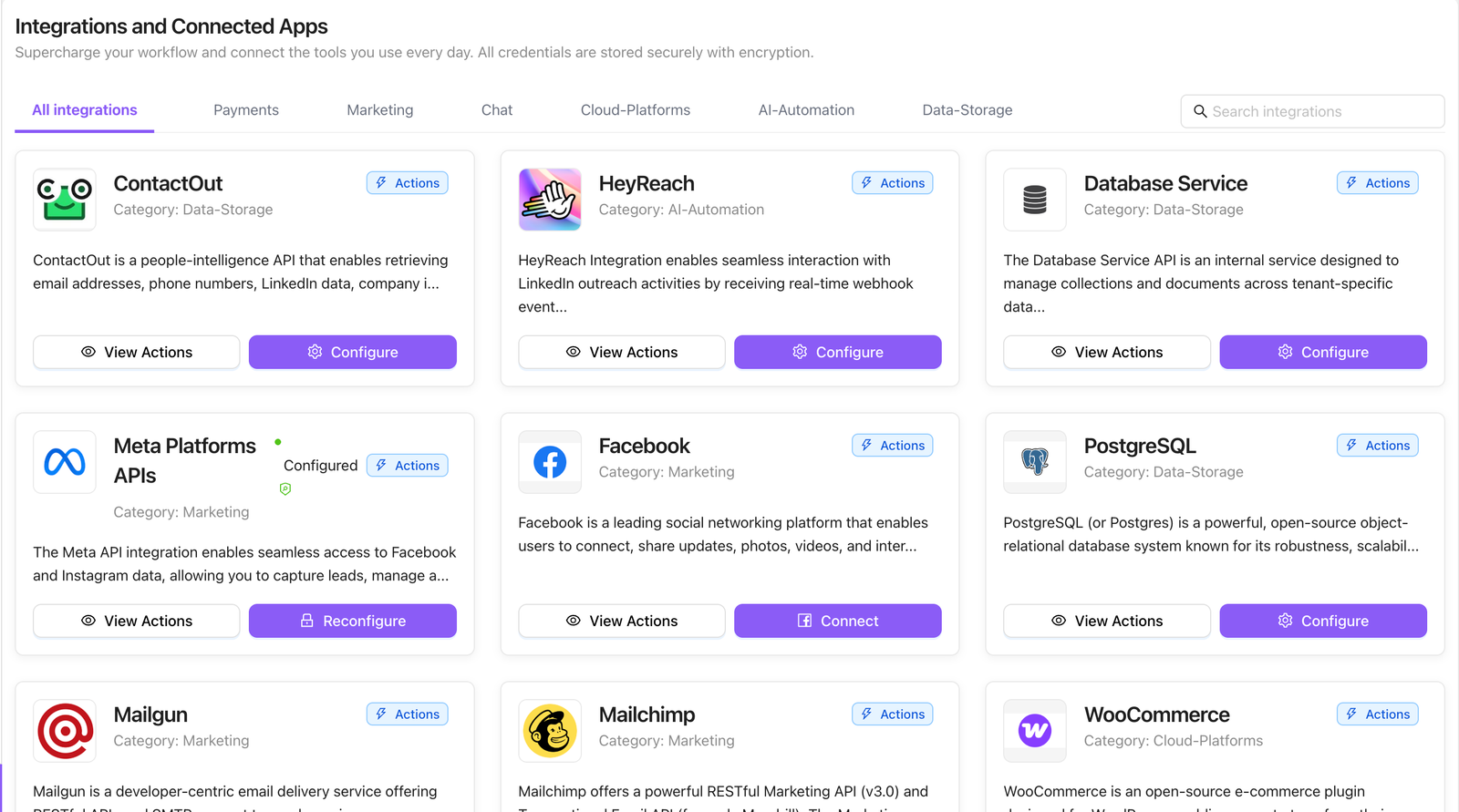
What You Can Do with the No-Code Builder
Create, manage, and optimize AI agents for your business without any technical expertise. Deploy specialized AI employees in minutes, not months — simply by describing what you need in natural conversation.
Hello Prasad
What do you want to automate?
create a lead qualification agent using hubspot and openai
Let's start designing your lead qualification agent.
First, what would you like to name this agent? For example, "Lead Qualification Specialist".
yes
Great! We'll go with "Lead Qualification Specialist".
Next, what is the core purpose of this agent? For instance, should it focus on qualifying leads, gathering information, or something else?
qualify leads, based ai employees, budget, when they will go buy .. 3 questions based on it qualify, hot , cold, warm leads..
Got it! The core purpose is to qualify leads by asking three questions about the number of employees, budget, and purchase timeline, and then categorize the leads as hot, warm, or cold based on their responses.
Now, what tone or communication style would you like the agent to use? For example, should it be friendly, professional, or casual?
professional
Great choice with a professional tone.
What should the agent say when it answers the phone? For example, "Hello, this is the Lead Qualification Specialist. How may I assist you today?"
its a trigger, when a lead is registered, it has to ask these questions, needs to read answer and update qualification.
Understood. The agent will be triggered when a lead is registered and will immediately ask the qualifying questions.
Which language(s) should the agent support? For example, English, Spanish, etc.
english
Perfect, the agent will operate in English.
Now, for the tools and integrations, you've mentioned using HubSpot and OpenAI. We'll use:
• HubSpot to manage and update lead information.
• OpenAI to process and analyze responses.
Are there any other tools or integrations you need? If not, we can move to call behaviors and features.
no
Great! Now let's define the call behaviors and features. Since this is triggered by a lead registration, the call direction will be outbound. Here are some options for additional features:
1. Record Calls • 2. Auto-Escalate to Human • 3. SMS Confirmations • 4. Spam Filtering.
its email, not calls.
Got it, the interaction will be via email, not calls. We'll skip the call behaviors and focus on the email interactions.
Now, let's configure the telephony provider for any potential future call-related features, even if they're not needed now: Twilio, Plivo, Telnyx, Vonage. Which provider would you like to use, or would you prefer to skip?
yes, use gmail trigger..
Understood, we'll use the Gmail trigger for email interactions and skip telephony provider settings.
Lastly, please provide the phone number that will be associated with this agent, or let me know if this step can be skipped since we're focusing on email.
yes
Alright, we'll skip the phone number since we're focusing on email interactions.
Now, I'll generate the comprehensive system prompt for the "Lead Qualification Specialist" agent. Please review it and let me know if you approve or need any changes.
- Qualify leads by asking three key questions about number of employees, budget, and purchase timeline.
- Categorize leads as hot, warm, or cold based on their responses.
- Update lead qualification status in HubSpot.
- Trigger email upon lead registration.
- Ask questions in sequence and wait for responses.
- Use AI to determine lead status.
- Update HubSpot with lead qualification.
• HubSpot: Sync contact & deal fields.
• Never share sensitive credentials or PII.
Please let me know if you approve this prompt or if there are any changes you'd like to make!
go ahead
I have gathered all the details. Generating your Voice & Email Agent configuration...
Lead Qualification Specialist
Lead Qualification Pipeline
New Lead Registered
Inbound lead submission received via Website Form or Gmail webhook.
Lead Qualification Specialist
Dispatches structured 3-part inquiry: Team Size, Budget & Buying Window.
OpenAI Intent Analyzer
Evaluates unstructured replies, scores intent, and categorizes into Hot, Warm, or Cold.
HubSpot CRM Update
Updates contact lifecycle stage, deal pipeline, and pings sales reps on Slack.
Instantly creates a high-priority Deal in HubSpot, alerts Account Executive on Slack, and sends calendar booking link.
Enrolls contact into customized email nurture track and schedules automated check-in 14 days later.
AI Safety guardrails trigger Human Escalation rule: pauses automated questions and assigns human specialist.
1. What Do You Want to Automate? (Initial Prompt)
Simply type your desired automation in plain English. Choose from suggested starter templates or describe your custom workflow.
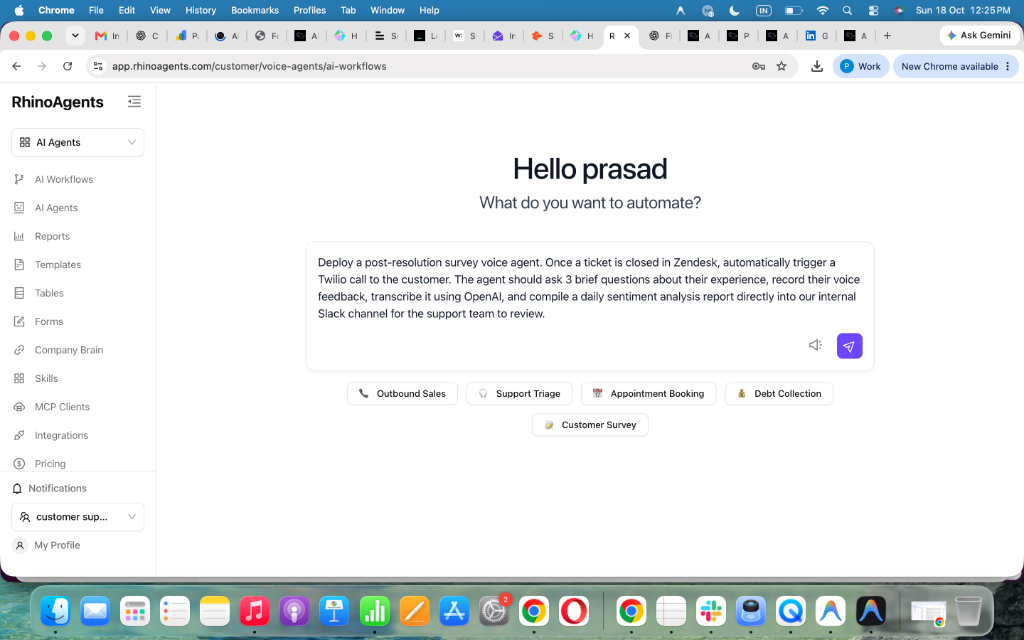
Turn Any Plain-English Prompt into a Dedicated AI Employee
Describe What You Need
Tell the assistant your goal, like "qualify leads using HubSpot and OpenAI". No flowcharts or coding required.
Conversational Co-Pilot
The AI interviews you to nail down qualification criteria, question sequences, tone, and communication channels.
Prompt & Safety Synthesis
Auto-compiles enterprise system prompts, PII guardrails, out-of-scope handlers, and human escalation rules.
One-Click Go-Live
Say "go ahead" and your agent is live across Gmail, Twilio, HubSpot, and Slack in under 60 seconds.
Prompt-to-Agent in Minutes
Replace complex visual wire-up editors with conversational design. Speak or type your requirements, and our AI Workflow Assistant builds production-ready agents effortlessly.
Toggle On/Off Instantly
Enable or disable agents with a single click. Full control over when and how your AI workforce operates across different departments with zero downtime.
Refine Logic & CRM Workflows
Adjust qualifying rules, email questions, triggers, and HubSpot properties anytime by simply chatting with your builder. Fine-tune agent behavior in seconds.